
Before you start
Update the app to version 1.7.0 or later on iPhone or iPad. You need a saved vehicle, an active subscription and an internet connection to send questions. Use Assistant while safely parked. This guide covers the Apple app, including the current 1.10.0 release. Features and menus can differ on Android; check availability for your platform.
Ask your first question
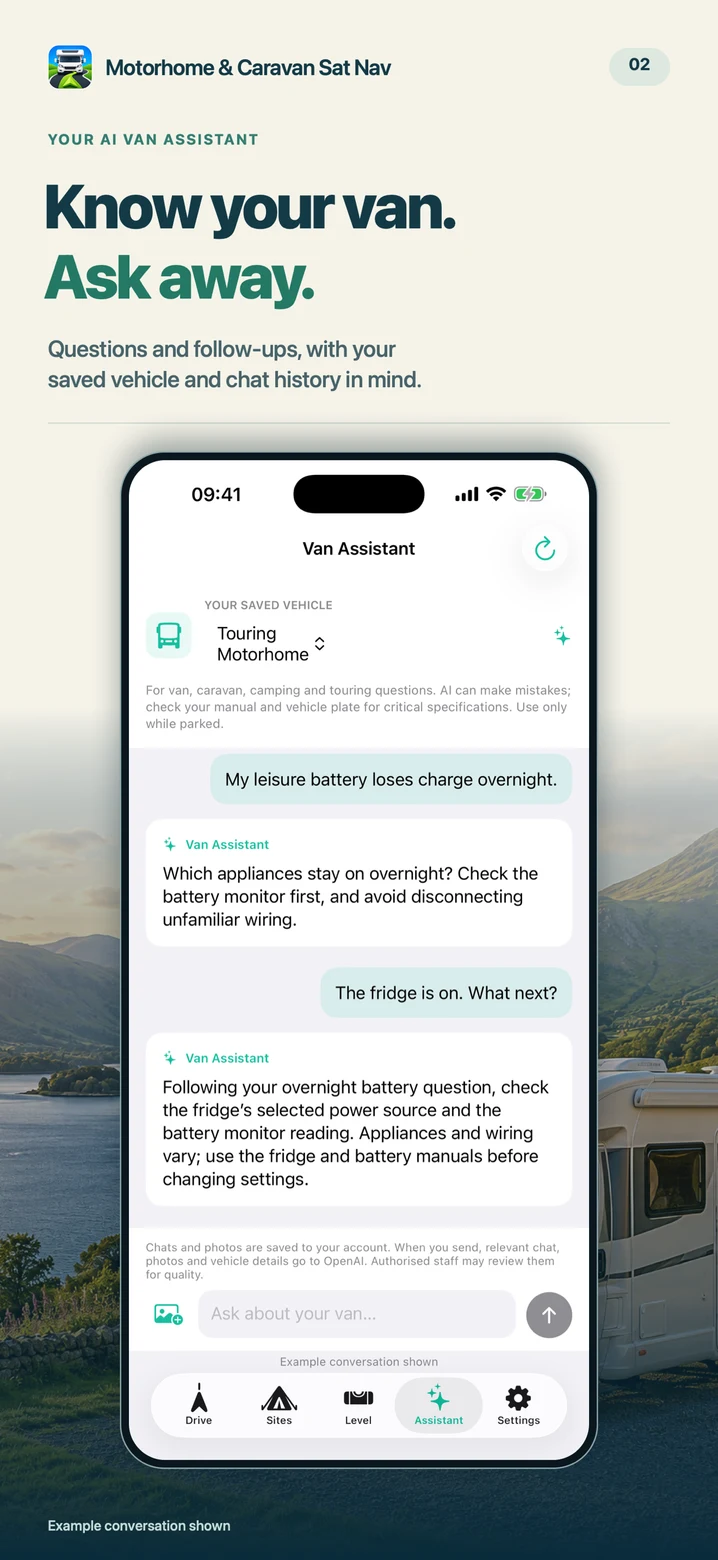
- Open Assistant in the bottom tab bar.
- Choose the saved vehicle your question relates to.
- Write a clear question. Include the exact model or fitted equipment when relevant; for example, “What should I check before storing my motorhome for winter?”
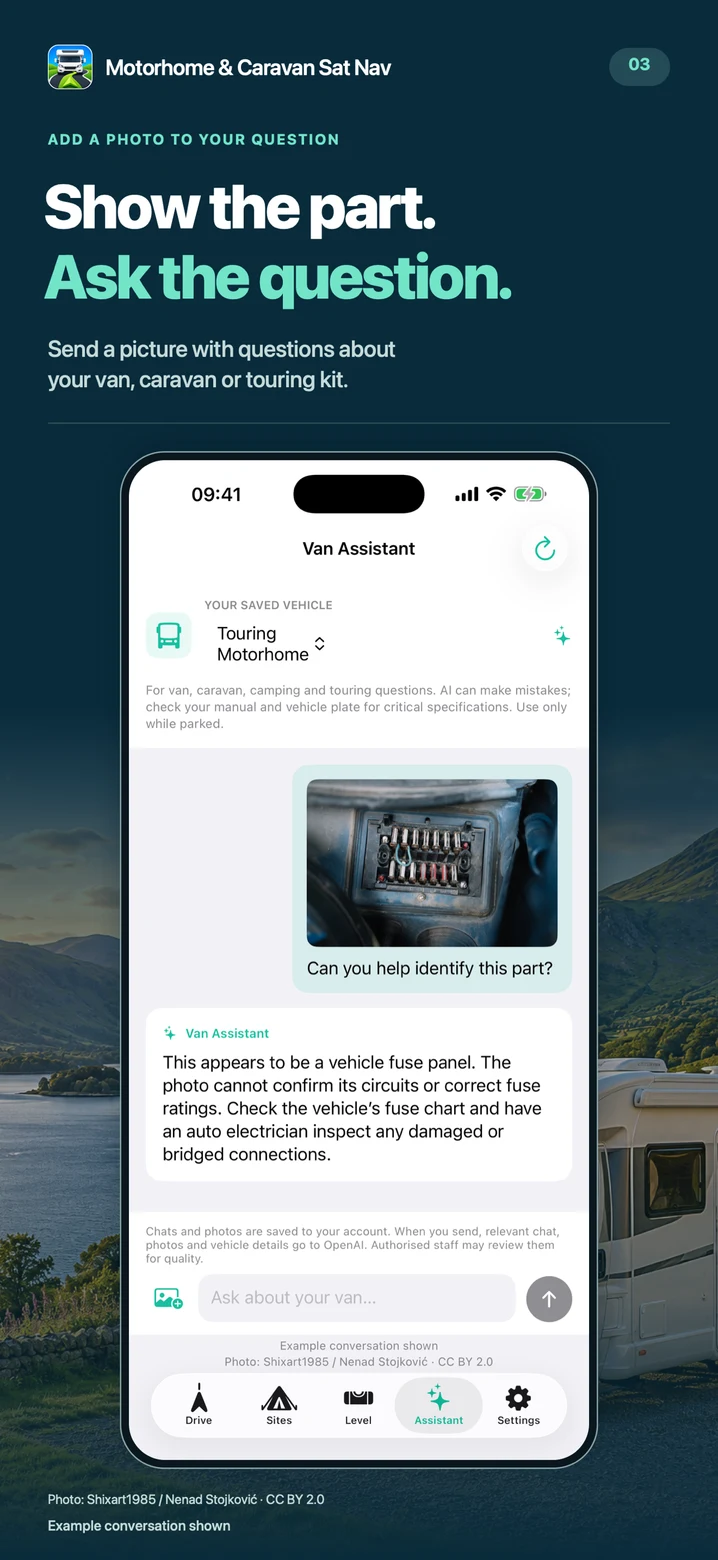
- If a photo would help explain the question, attach it before sending. Avoid including personal documents or unrelated private details.
- Read the answer and ask a follow-up in the same conversation if you need more detail.

Continue a previous conversation
Conversations are saved per vehicle. Return to Assistant and select the same vehicle to pick up where you left off. Check the vehicle selection when switching between a motorhome, caravan or campervan.
Assistant and vehicle dimensions
Van Assistant handles questions and conversations. The separate AI dimensions lookup helps fill out a vehicle profile during setup. Review suggested dimensions against your vehicle’s plate, handbook and fitted equipment before saving a profile for routing. Our vehicle dimensions guide explains what to check.
If a question will not send
Check your internet connection and subscription status, then make sure the app is up to date. For missing subscription access, follow our restoration steps. If the problem continues, contact support with your device and app version.
Where is Journey History?
From version 1.7.0, Journey History is under Settings > Route Data. The bottom tab now opens Assistant.
Read the Privacy Policy for how Assistant questions, photos and conversations are processed, and see the release history for recent changes.