How to Plan a Motorhome Route Around Your Height, Width and Weight
Nobody wants to find a low bridge the hard way. If you drive a motorhome, campervan or car-and-caravan combination, your route needs to fit your vehicle, not just the map. Here is a simple way to plan that before you set off.
Know your vehicle's numbers
Before you plan anything, write down these figures from your vehicle's documents or manufacturer information:
- Height, including roof boxes, aerials and solar panels
- Width, including mirrors
- Length
- Gross weight
- Axle weights, if you carry a heavy load or tow
Keep them in one place, and check them again if you have added accessories since you last looked.
Why a normal map is not enough
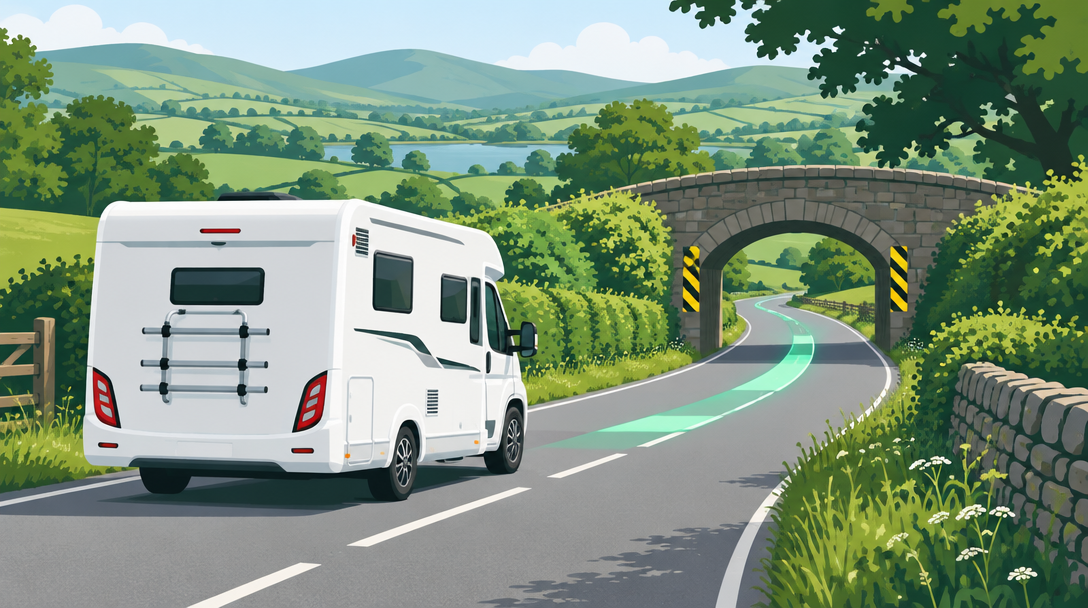
A standard road map or general sat nav does not know your vehicle is taller than a family car. It may send you down a narrow lane, under a low bridge or onto a road with a weight limit you cannot meet.
A vehicle-aware planner uses your dimensions to look for these problems. It can warn you about low bridges, width restrictions and other limits on the route. It does not replace road signs, though. If a sign says no, follow the sign.
Plan the whole trip, not just the drive
Long journeys often have several stops. Saved multi-day plans help you check each leg, see where you will stop for the night and keep your campsite and fuel stops together. On the iPhone and iPad app, you can plan multi-day trips and save them for later.
Check the route before you leave
- Enter your vehicle details before you enter the destination.
- Look at the route warnings. Read any notes about low bridges or restrictions.
- Think about alternatives. If one route looks tight, compare another, but check each one against road signs.
- Download maps for the areas you will cross if you expect poor signal. On iPhone and iPad, offline access needs a subscription verified online within the previous 24 hours.
- Note the arrival time and any traffic delays.
Use your own judgement on the road
Road data can be incomplete, and no planner catches everything. Watch for signs, check the width of narrow lanes as you approach, and stop somewhere safe if you are unsure. If you are not confident about a road, take a longer route on roads you know you can manage.
Keep your vehicle details handy
Having your dimensions saved in the app means you do not have to re-enter them every time. It also means your planning and your arrival checks use the same information.
Final thoughts
A little time at the planning stage saves a lot of worry on the road. Get your numbers right, plan the whole trip, check warnings and follow the signs. That way you can enjoy the drive and arrive ready for your stay.
Motorhome & Caravan Sat Nav is available on iPhone, iPad and Android. Features vary by platform and version. Vehicle-aware planning is available on iPhone and iPad; check the current Android features in Google Play before you rely on them.